For many families, the Supplemental Nutrition Assistance Program (SNAP), often called food stamps, is a lifeline. This program helps people buy groceries. And guess what? It’s no longer just about going to the store! You can now buy EBT eligible items online. This essay will explore how this works, what you can buy, and some important things to keep in mind when shopping this way.
What Can I Buy with My EBT Card Online?
You can buy many of the same food items online that you can buy in a regular grocery store using your EBT card. This usually includes things like fruits, vegetables, meat, poultry, fish, dairy products, and bread. You’ll see a lot of the same basic food groups, and they’ll have the same rules. It is important to remember that your card will work the same online as it does in the store.
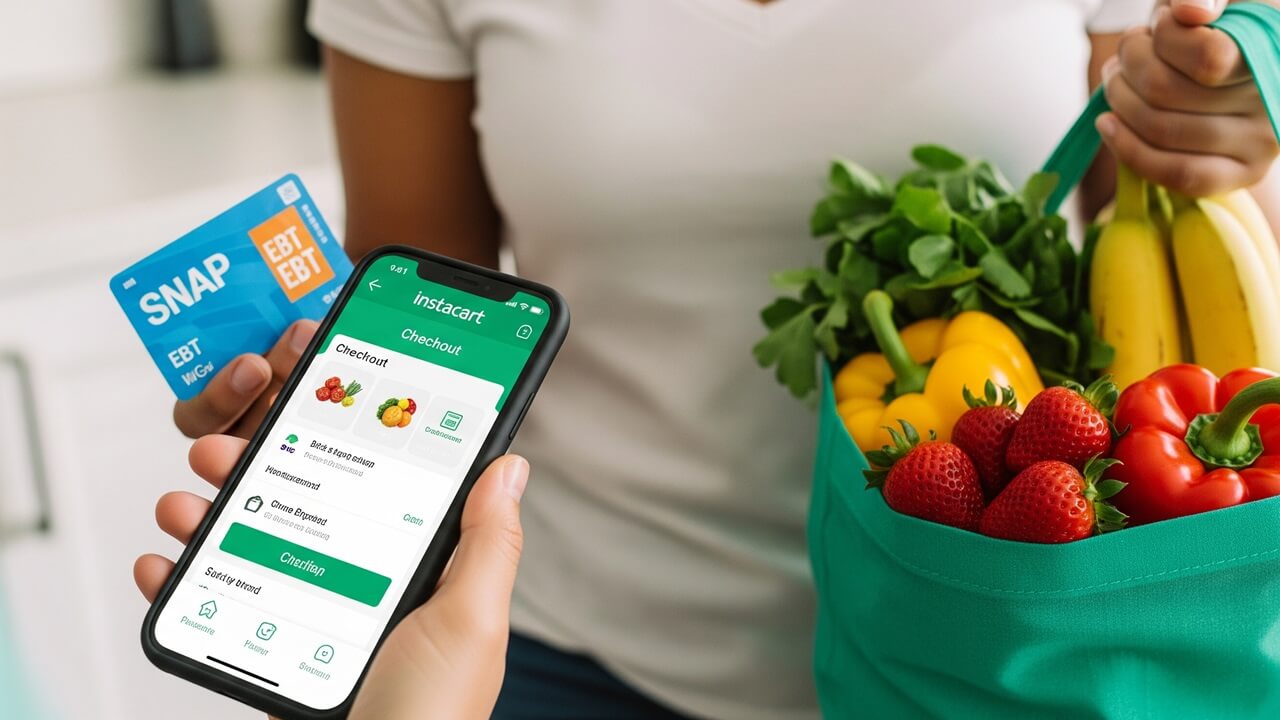
Approved Online Retailers
Not every website accepts EBT. Only certain retailers have been approved by the USDA (the government agency that runs SNAP). Some of the big ones include:
- Amazon (though not everything on Amazon is EBT eligible!)
- Walmart
- Kroger
You’ll want to check the specific retailer’s website to see if they accept EBT. Usually, you’ll find this information in their FAQ (Frequently Asked Questions) section or under a section about payment options. It is very important to look at a store’s website to make sure your EBT card will work there.
It is also common for local grocery stores to be EBT-approved. You can usually check their websites to make sure, or you can call their customer service line. It’s important to shop at retailers that accept your EBT card.
How to Pay with EBT Online
The process of using your EBT card online is usually pretty straightforward, but it is a little different than paying in the store. First, you’ll need to create an account or log in to the retailer’s website. Then, you’ll add the EBT eligible items to your cart.
Next, when you get to the checkout, you’ll choose “EBT” or “SNAP” as your payment method. You’ll likely need to enter your EBT card number and PIN. Just like at the grocery store, be sure to keep your PIN safe! Then you’ll probably be asked for the other payment information, such as a debit or credit card, to cover non-EBT items or fees.
You may need to split your payment between your EBT card and another payment method if you are buying both EBT-eligible and non-eligible items. Usually, the website will guide you through this process. It is also important to note that the process may differ slightly depending on the retailer.
Remember, if you have any issues, the retailer’s customer service can help walk you through it. Here is a basic outline:
- Create an account (if you don’t have one).
- Add items to your cart.
- Choose EBT as payment.
- Enter your card number and PIN.
- Pay any remaining balance.
What Isn’t EBT Eligible Online?
Just like in a regular grocery store, there are some things you can’t buy with EBT online. These are items that aren’t considered “food” by SNAP. Think about things you buy at the grocery store that are not food items. These include:
This generally excludes things like alcohol, tobacco products, pet food, and household supplies. Also, you can’t use EBT to pay for delivery fees or any other service fees. If you’re ordering online, you’ll have to pay those fees with a different form of payment, like a debit card or credit card. Be careful to keep your purchases EBT-eligible.
Some prepared foods, like hot meals, are also usually not EBT eligible, unless the store is specifically authorized to sell them through the Restaurant Meals Program (which isn’t available everywhere). So always double-check your cart and make sure everything is allowed before you check out! In short, you can’t use EBT to buy:
- Alcohol
- Tobacco products
- Pet food
- Household supplies
- Non-food items
Delivery and Pickup Options
One of the great things about shopping online is that you can usually choose how you want to get your groceries. Retailers generally have both delivery and pickup options. Delivery means the store will bring your groceries to your home. Pickup lets you order online and then go to the store to get them.
Delivery fees are almost always not EBT-eligible. You’ll have to pay for delivery with a different form of payment. However, the good news is that pickup services are usually free! You’ll usually go to a designated spot at the store to pick up your order.
The best option for you depends on your situation. Delivery is convenient, but it costs extra. Pickup is a good way to save money. Many people find pickup super convenient, especially when they can just pull up to the store and have the groceries loaded into the car. Consider the pros and cons:
| Delivery | Pickup |
|---|---|
| Convenient | Often free |
| Costs extra | Requires a trip to the store |
Make sure to review the delivery or pickup options available with your chosen retailer to know what to expect.
Tips for Successful Online EBT Shopping
Here are a few extra tips to make your online EBT shopping experience smoother. First, be sure to keep track of your EBT balance. You can often do this by checking your account online, calling the EBT customer service number, or checking at the store. This will help you avoid any surprises at checkout! Also, be sure to look for deals and discounts.
Double-check your cart before you check out to make sure everything is EBT eligible. Keep in mind that sometimes, online prices might be slightly different than in-store prices. So, compare prices if that is important to you. Also, keep an eye out for any expiration dates on items you buy, especially if you are stocking up. Make sure to order ahead, especially during busy times like holidays.
If you run into any problems, don’t be afraid to reach out for help! Both the retailer’s customer service and the EBT program have resources that can help you. Finally, keep your PIN safe and protect your EBT card information just like you would a debit card or credit card. Here are some important things to consider:
- Track your balance.
- Check for sales.
- Double-check your cart for EBT eligibility.
- Order ahead.
- Keep your PIN safe.
These tips can help make your experience more successful.
What if Something Goes Wrong?
It is good to know what to do if something goes wrong. First, if you have any issues with your order (e.g., items are missing or damaged), contact the retailer’s customer service. They can usually help you get a refund or replacement. If there are issues with your EBT card, contact the EBT customer service line.
If you suspect any fraud, report it immediately. You can do this by contacting your state’s EBT fraud hotline. If you need help with your order, contact the retailer. They can solve many problems. It is also important to keep all the paperwork to help prove the case.
Keep records of all your online purchases. If the retailer won’t help you, contact the SNAP program in your state. They can assist with problems like incorrect charges or issues with your benefits. It is also a good idea to know where to go if you need help. The table below gives you some places to start:
| Issue | Contact |
|---|---|
| Order Problems | Retailer Customer Service |
| EBT Card Issues | EBT Customer Service Line |
| Fraud | State EBT Fraud Hotline |
By knowing these things, you can solve any problems you encounter.
Shopping for EBT eligible items online offers a lot of convenience and flexibility. By understanding the rules, knowing where to shop, and following some simple tips, you can easily manage your grocery shopping and make the most of your SNAP benefits. Remember to stay informed, and don’t hesitate to ask for help if you need it. Happy shopping!